Control your map
Your exploration map is local by default. You decide what is saved and what is synced.
Private by default
Smart city exploration
Roam City reveals nearby locations as you move and lets you turn exploration into a focused routine without exposing raw personal data.
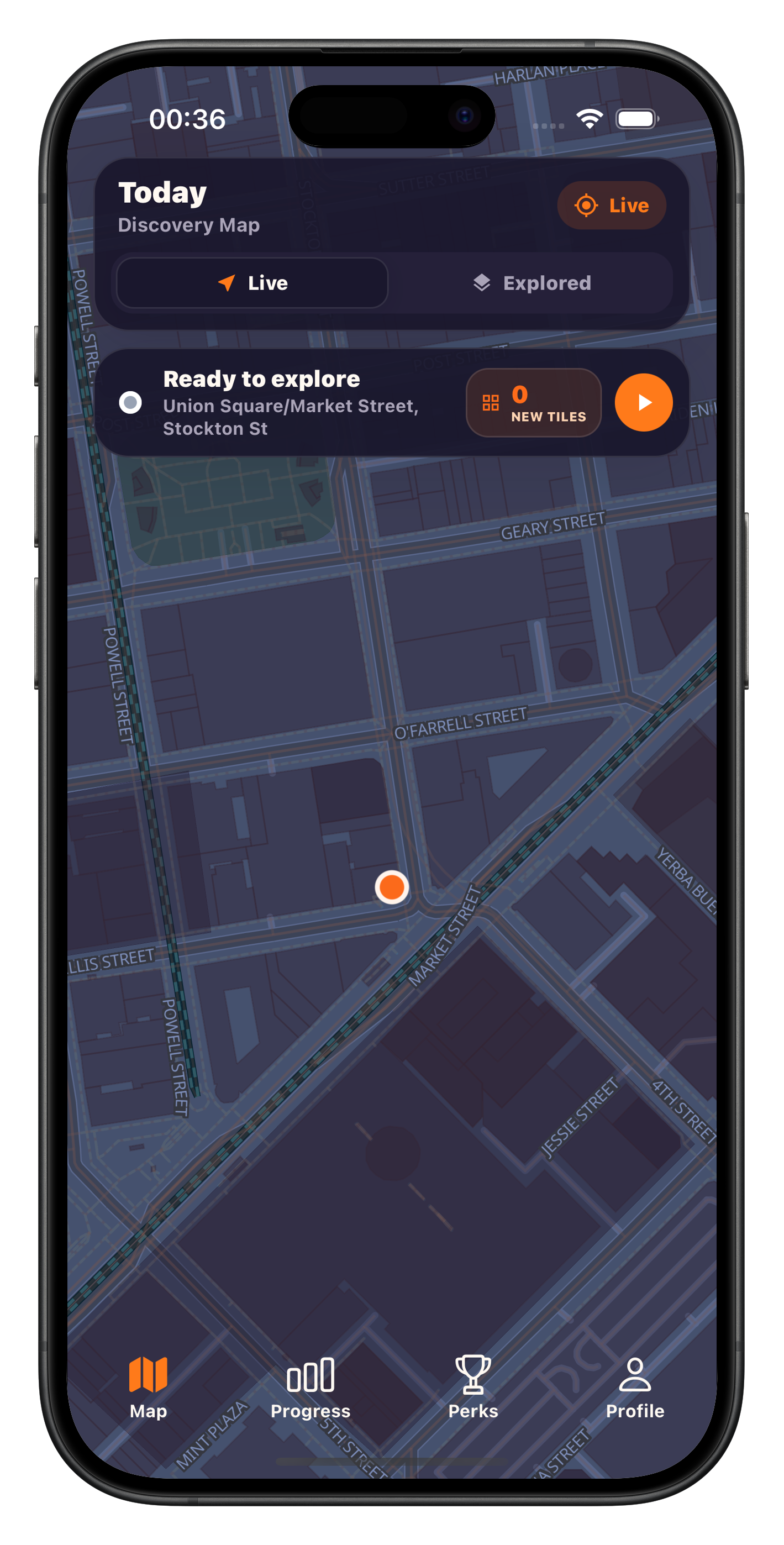


Your exploration map is local by default. You decide what is saved and what is synced.
Account setup and permission prompts are kept short so the first walk starts quickly.
Use exploration priorities and weekly plans so your discovery has continuity.
No unnecessary storage or collection beyond what is required for map experience.
Sign in once and keep your exploration state safe across sessions.
Enable location only for active exploration and continue when you are ready.
Move in real time, discover places, and save valuable routes.
Track your map progress and refine exploration priorities.
We only use data to make the exploration experience reliable and relevant. Everything that is processed is listed openly and tied to clear options.
We only use data to make the exploration experience reliable and relevant. Everything that is processed is listed openly and tied to clear options.
The most common help topics are below. You can also reach support directly by sending the form.
Support: roamcityapp@gmail.com
Create your account, complete onboarding, then allow location for active exploration when you are ready.
Open privacy settings and request account deletion. Deletion is processed after confirmation.
Open data controls and use the export action to download your routes and activity summary.
Live map reveal is paused until location is enabled again from device settings.
Enable background services, update app permissions, restart, then share device and app version details.